AI finance tools · 7 min read
AI Financial Assistants on iPhone: the 2026 Landscape
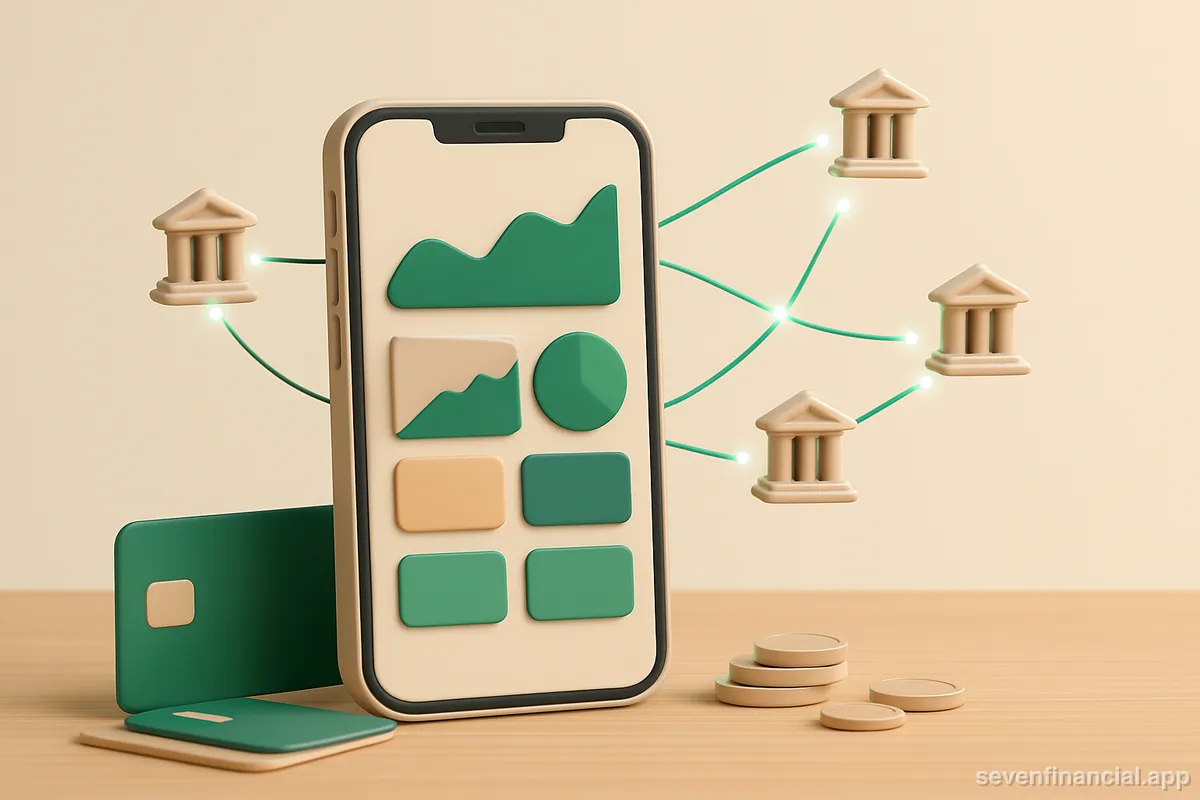
In 2026, an AI financial assistant on iPhone is typically one of three things: a general chatbot (like ChatGPT) that reasons about money but can't see your accounts, a dedicated finance app that connects to your banks through an aggregator like Plaid and layers AI on top of your real transactions, or your bank's own app with AI features bolted on. The connected-app category is where the most useful assistants live right now, because an AI is only as good as the data it can see — and read-only bank connections, on-device biometrics, and instant data deletion are the things that separate a trustworthy one from a risky one.
That's the short version. The three categories differ enormously in what they can do, what they can see, and what can go wrong — so here's the longer one.
What can an AI financial assistant actually do on an iPhone?
The honest answer depends entirely on whether the assistant can see your transactions. A general chatbot can explain compound interest, draft a debt payoff plan, or sanity-check a budget you describe to it. It cannot tell you what you spent on restaurants last month, because it has no idea. We've written about where ChatGPT is genuinely useful for money questions — it's a strong explainer and a weak accountant.
A connected assistant — one linked to your actual accounts — can do the accountant work. In practice that means a handful of concrete jobs:
- Answer natural-language questions from your real data: "How much did I spend on groceries in July?" or "What's my biggest recurring charge?"
- Categorize transactions automatically, so a $47.12 charge from "SQ *BLUE BOTTLE 0043" lands in Coffee instead of Uncategorized.
- Surface recurring charges and subscriptions you forgot about, including annual ones that only hit once a year.
- Flag anomalies: a charge far above your normal range, spending that suddenly runs hot, or a duplicate charge.
- Roll every account into one net worth number so you stop doing mental math across five apps.
What no legitimate consumer assistant should do in 2026 is move your money. The good ones are read-only by design: they can see balances and transactions but cannot initiate transfers or payments. That's not a missing feature — it's a security boundary.
The three categories of AI money apps on iPhone
General chatbots
ChatGPT, Claude, Gemini, and similar apps are all on the App Store and all happy to talk about money. They're best for education, planning, and one-off analysis — for instance, pasting in a statement export and asking questions about it, an approach we walk through in how to analyze a bank statement with AI. Their weaknesses: no live account access, no memory of your finances between sessions, and a tendency to do arithmetic wrong on long transaction lists. Never paste account numbers or credentials into one.
Connected finance apps with AI features
These link to your banks through an aggregator — usually Plaid in the US — and run AI over the transaction stream that comes back. This is the category that includes AI budgeting apps, AI expense trackers, and net worth trackers, and it's where an "assistant" stops being a chat window and starts being an always-on layer over your actual money. The trade-off is obvious: they're dramatically more useful because they see everything, and that's exactly why you should vet them carefully before linking anything.
Bank-native AI
Most large US banks now ship some AI in their own apps — spending summaries, cash-flow nudges, chat-style search over your transactions. The advantage is that no third party is involved; the data never leaves the bank. The limitation is structural: your bank's AI can only see the accounts you hold at that bank. If your checking is at one institution, your credit card at another, and your brokerage at a third, no single bank app can answer "what's my actual net worth" or "what did I really spend this month across everything."
How do these apps get my bank data, and is that safe?
Nearly every connected finance app on iPhone uses an aggregator, and Plaid is the most common one. When you link an account, you authenticate with your bank — increasingly via OAuth, where you log in on the bank's own page and the app never sees your password — and the aggregator returns balances and transactions to the app through a token. We've covered what actually happens when you link a bank in detail, but the key points for evaluating an assistant are:
- Read-only access means the connection can retrieve data but cannot move money. Ask whether the app requests anything beyond that.
- OAuth connections are safer than password-based screen scraping, and most major US banks now support them.
- You can revoke access at any time from your bank or from Plaid's own portal, independent of the app.
- A good app tells you when a connection breaks instead of quietly showing stale balances as if they were current — a broken link that fails silently is worse than one that fails loudly.
The AI layer adds one more question: what happens to your transaction data when a model reads it? Is it used to train models? Is it sent to a third-party AI provider, and under what terms? Can you delete it? An app that answers those questions plainly in its privacy policy is signaling seriousness; one that buries them is signaling the opposite.
What should I look for before installing one?
Rather than a ranked list of apps — which would be stale in six months — here's the checklist that holds up regardless of which app you're evaluating:
- Read-only by design. If the app can initiate transfers, the bar for trusting it should be much higher.
- Face ID or passcode lock on the app itself, not just your phone's lock screen. Anyone who borrows your unlocked phone shouldn't see your balances.
- Honest spending math. Many apps count transfers between your own accounts and credit-card payments as spending, inflating your monthly total — a card payment double-counts purchases already on the card. Test this in the first week.
- Pending transactions counted immediately. If the assistant only sees posted transactions, its picture of "this week" is always a few days behind reality.
- Alerts that matter: a large-charge alert, a card-due reminder, an unusual-spending flag, and a notification when a bank connection breaks.
- Instant, in-app data deletion. Not an email to support — a button.
- A clear answer on AI data handling: whether your transactions train models, and which providers see them.
Seven Financial is built around exactly this checklist — Plaid-connected, read-only, Face ID-locked, with an Ask feature that answers questions from your own transactions — but the checklist is the point, not the name. Any app that clears all seven items is a reasonable candidate.
A realistic week with a connected assistant
Here's an illustrative example of what the category actually delivers, with made-up but realistic numbers. Say you link a checking account, two credit cards, and a brokerage. On day one, the assistant shows a net worth of $38,420 — $12,200 in checking, $31,600 in the brokerage, minus $5,380 across the cards. On day three, it flags a $214 charge from an auto parts store as a large purchase; it's legitimate, but you're glad it asked. On day five, you type "what do I pay for every month?" and it lists nine recurring charges totaling $187 — including a $12.99 streaming service you thought you'd canceled in March. On day six, a card connection breaks because your bank forced a password reset, and the app tells you instead of silently serving Tuesday's balance as today's. None of that is dramatic — and none of it was going to happen by reading statements.
Where the category still falls short in 2026
A few honest limitations. Bank connections break routinely — password changes, MFA prompts, and consent expirations all sever the link, and some banks force a re-link every 90 days no matter what. Categorization is good but not perfect; expect to correct a handful of merchants in your first month. Anomaly detection needs history before it's useful — an assistant can't know what "unusual" means for you until it has watched a few weeks of normal. And no assistant, AI or otherwise, replaces judgment: it can tell you that you spent $640 eating out in July, but whether that's a problem is a question about your life, not your data. For big decisions — taxes, estate planning, whether to sell investments — an AI is a complement to a human advisor, not a substitute, and nothing in this post is individualized financial advice.
The 2026 landscape, summed up: chatbots for thinking, connected apps for knowing, bank apps for a partial view with zero third parties. If you want one assistant that actually knows your numbers, pick from the connected category — and pick with the checklist, not the App Store screenshots.
Frequently asked questions
Does Apple make its own AI financial assistant?
Apple ships Apple Intelligence features across iOS and offers financial products like Apple Card and Savings, but it doesn't offer a standalone assistant that aggregates all your outside bank accounts. Wallet shows Apple-linked activity; for a full cross-bank picture you still need a third-party app.
Can an AI financial assistant see my bank password?
With an OAuth connection, no — you log in on your bank's own page and the app receives only a token. With older screen-scraping connections, credentials pass through the aggregator. Prefer apps and banks that support OAuth, and revoke access for anything you stop using.
Will using one of these apps affect my credit score?
No. Linking accounts through an aggregator is not a credit inquiry — the app is reading account data, not applying for credit on your behalf. Some apps offer optional credit monitoring, which uses soft pulls that also don't affect your score.
What happens to my data if I delete the app?
Deleting the app from your iPhone doesn't automatically delete your data from the company's servers or revoke the bank connection. Use the app's in-app delete option first, then confirm the connection is gone in your bank's security settings or Plaid's portal.