Bank connections · 6 min read
How Does Plaid Work? What Happens When You Link a Bank
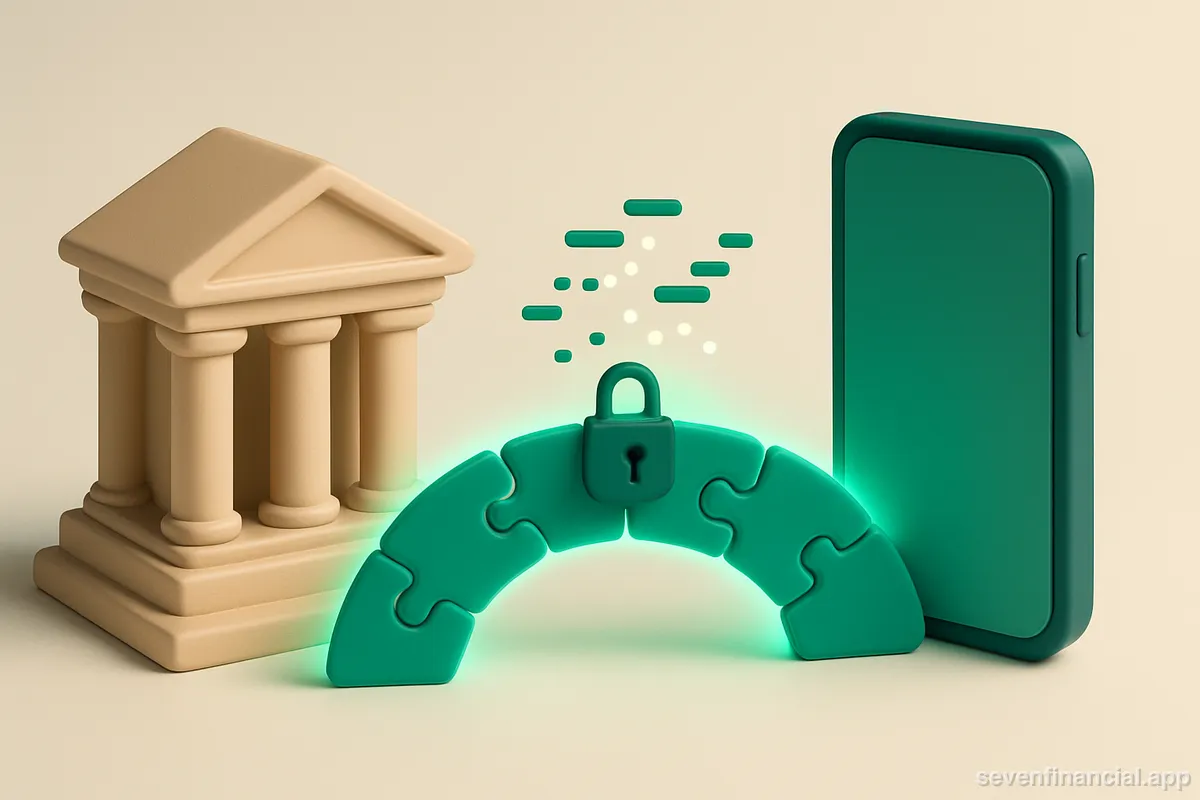
Plaid works as a secure middleman between your bank and the app you're using. When you link a bank, Plaid presents a login window (increasingly, your bank's own OAuth page), you authenticate directly with the bank, and the bank hands Plaid a limited-scope credential. Plaid then converts your bank's data — balances, transactions, account details — into a standardized format and passes it to the app through an access token that the app stores instead of your password. The app never sees your banking credentials, and with most modern connections, neither does Plaid.
That's the short version. The longer version is worth understanding, because 'I typed my bank password into a pop-up inside a budgeting app' is exactly the kind of thing you should want explained before you do it. Here's what actually happens at each step, what data moves where, and where the whole arrangement can break.
What is Plaid, and why do apps use it instead of connecting to banks directly?
There are thousands of banks and credit unions in the US, and almost none of them expose their data the same way. A finance app that wanted to support even a hundred institutions on its own would need a hundred separate integrations, each of which changes without warning. Plaid (along with competitors in the same category, like MX and Finicity) solves this once: it maintains the connections to the institutions and gives apps a single, consistent API on top.
So when a budgeting app says it 'connects to your bank,' what it usually means is: it embeds Plaid's Link component, and Plaid handles the messy part. The app developer never touches your credentials and never writes bank-specific code. This is also why so many unrelated apps show you the same familiar linking screen — a surprising number of apps use Plaid under the hood.
What happens step by step when you link a bank?
- You tap 'Add account' in the app, which opens Plaid Link — the search-for-your-bank window. Link is Plaid's code running in a sandboxed view, not the app's.
- You pick your institution. For most major banks today, Link redirects you to the bank's own website or app to sign in. This is OAuth: you authenticate on the bank's turf, often with the same two-factor prompt you'd get logging in normally.
- You approve the connection and, at many banks, choose which specific accounts to share. The bank generates a token scoped to that permission — not your password, and often not even access to everything in your profile.
- The bank hands that token to Plaid. Plaid exchanges it internally and gives the app a different token — an access token tied to this one connection (Plaid calls it an Item).
- The app uses its token to request data through Plaid's API: account balances, transaction history, sometimes holdings or loan details, depending on what products it asked for.
- From then on, the app refreshes data by presenting the same token. You don't log in again unless something invalidates the connection.
The key design property: credentials and tokens are layered so that each party holds only what it needs. The app holds a token that only works through Plaid. Plaid holds a token that only works with your bank. Nobody downstream of the bank holds your actual password when OAuth is in play — which is a big part of why OAuth connections are safer than screen scraping, the older technique where an aggregator stored your real credentials and logged in as you.
What about banks that don't support OAuth?
Some smaller institutions still don't offer OAuth. For those, you enter your username and password inside Plaid Link, and Plaid uses them to fetch data on your behalf. In that case Plaid does handle your credentials — it encrypts and stores them so it can keep the connection alive — but the app you're using still never sees them. The industry has been migrating away from this model for years, and the largest US banks have already moved to OAuth.
What data does the app actually get?
It depends on which Plaid products the app requested, and you can often see the scope on the bank's consent screen. Common categories:
- Account details: account names, types (checking, savings, credit card, brokerage), and masked account numbers — usually just the last four digits.
- Balances: current and available balance for each shared account.
- Transactions: date, amount, merchant name, pending status, and a category — typically going back up to about two years, then updated as new transactions post.
- Investments and liabilities, if requested: holdings, cost basis, loan balances, credit card due dates and minimum payments.
Notice what's not on the list: the ability to do anything. A data connection like this is read-only by construction — the tokens involved authorize reading, not initiating transfers. (Plaid does offer separate money-movement products for apps like payment services, but those require explicit, separate authorization; a budgeting app pulling your transactions cannot move your money.) It's also worth being precise about the middleman itself — what Plaid sees and what it doesn't is narrower than most people assume.
A concrete example: linking one checking account
Say you link a checking account with a $3,214.67 balance and about 90 transactions over the past three months. During linking, your bank's consent screen asks which accounts to share; you pick checking only, leaving your savings account out. Within a few seconds of approving, the app receives: one account object ('Checking ••4821, $3,214.67 current, $3,164.67 available'), and the transaction list — including the $50.00 pending restaurant charge that explains the gap between those two balances. Your savings account is invisible to the app. Your password never left the bank's own login page. Going forward, the app picks up new transactions as your bank makes them available — usually within hours, though pending items can lag, which is why apps sometimes miss your newest purchases.
Why do Plaid connections break, and what happens then?
Linked doesn't mean linked forever. The token that keeps a connection alive can be invalidated by ordinary events: you change your bank password, the bank forces a new multi-factor challenge, the bank's OAuth consent expires (some institutions cap consent at 90 days or a year), or the bank changes something on its end. When that happens, the app stops getting fresh data until you re-link — a quick repeat of the login step, not a full setup.
A well-built app tells you loudly when this happens, because the alternative is worse: silently showing you last Tuesday's balances as if they were current. This is the design philosophy behind Seven Financial's broken-connection alert — a stale number presented as fresh is the most dangerous kind of wrong. If your connections drop often, it's usually the bank's policy rather than anything you did; here's why some banks disconnect from budgeting apps repeatedly.
How do you stay in control of a Plaid connection?
Three levers, and you hold all of them. First, the app: most finance apps let you remove a linked institution, which destroys the app's token. Second, Plaid: Plaid's own portal (my.plaid.com) shows connections associated with your identity and lets you cut them off at the middleman level. Third, the bank: for OAuth connections, your bank's security settings list connected third parties and let you revoke each one at the source — the most decisive option, since it invalidates everything downstream. The full walkthrough is in how to revoke an app's access to your bank account.
That layered revocation is, in the end, the honest answer to whether this whole arrangement is trustworthy: not 'nothing can ever go wrong,' but 'you can see every connection and sever any of them in minutes.' No system that moves financial data is risk-free. But compared to the pre-Plaid world — handing your real password to every app and hoping — tokens you can inspect and revoke are a clear upgrade.
Frequently asked questions
Does linking a bank through Plaid affect my credit score?
No. Plaid connections read account data through your bank's data-sharing channel; they don't involve credit bureaus, hard inquiries, or soft pulls. Your credit report has no record that a connection exists.
Does Plaid cost me anything as a user?
No. Plaid charges the app developer, typically per connected account or per data request. You never pay Plaid directly, and there's no premium tier on the consumer side.
Can I link the same bank account to more than one app?
Yes. Each app gets its own independent connection and token, so linking your checking account to a budgeting app and a tax app creates two separate Items. Revoking one has no effect on the other.
Why did Plaid ask me to verify with a code my bank sent?
That's your bank's multi-factor authentication passing through the linking flow. The bank is confirming it's really you before issuing the access token, the same way it would for a normal login on a new device. It's a sign the OAuth flow is working as intended.