Bank connections · 5 min read
What to Do When Your Bank Connection Breaks
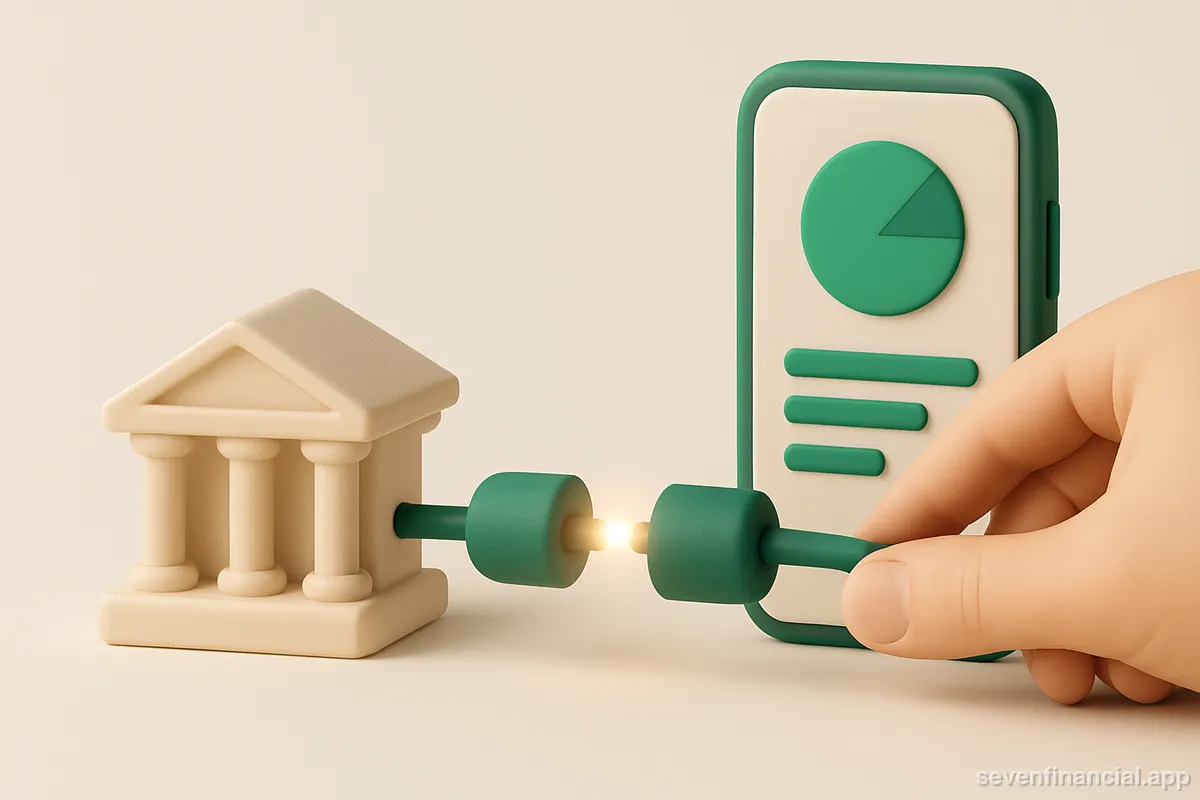
When your bank connection breaks, the fix is almost always to reconnect the account from inside the app, not from your bank's website: open the app, find the account marked with an error or "reconnection needed" banner, tap it, and walk through the same login flow you used when you first linked it. You'll re-enter your bank credentials or approve the connection on your bank's own page, complete any two-factor prompt, and the app resyncs within a few minutes. Deleting and re-adding the account is rarely necessary and can cost you transaction history, so treat it as a last resort.
That's the short version. The rest of this guide covers why the reconnect flow sometimes fails, what to check before you blame the app, and how to tell a routine expired connection from something that actually needs support.
Why did my bank connection break in the first place?
A linked account is really a standing permission between your bank and an aggregator like Plaid, and that permission can lapse for boring reasons. The most common triggers:
- You changed your bank password or username. The stored credential no longer works, so every sync fails until you re-enter it.
- Your bank requires periodic reauthorization. Some institutions expire OAuth consent on a schedule — see why some banks make you re-link every 90 days.
- You enabled or changed two-factor authentication. The connection needs a fresh handshake that includes the new verification step.
- Your bank changed its login system or ran maintenance. Connections often heal on their own within a day; if not, a reconnect fixes it.
- You revoked access from the bank's side, sometimes without realizing it, in a security settings cleanup.
None of these mean anything is wrong with your money. If you want the deeper mechanics, why bank connections break explains what's happening between the app, the aggregator, and the bank when a sync fails.
How do I reconnect a bank account in a finance app?
The exact buttons differ by app, but the flow is the same everywhere because most apps use the same underlying aggregator. Here's the general sequence:
- Find the broken account. Look for a red badge, an "attention needed" banner, or an account whose last-updated date is stale while others are current.
- Tap the reconnect or update option. This launches the link flow scoped to just that institution — you shouldn't have to relink your other banks.
- Sign in through your bank. With modern OAuth connections you're redirected to the bank's own login page; the app never sees your password. How Plaid works walks through this handoff in detail.
- Complete any 2FA prompt. Codes sent by text or an authenticator app are normal here; the bank is confirming it's really you granting access again.
- Confirm the account selection. Some banks re-ask which accounts to share. Make sure the same checking, savings, or card accounts are checked, or the app will suddenly show fewer accounts than before.
- Wait for the sync. Balances usually refresh within a minute or two; a full transaction backfill can take a bit longer.
One practical note for phone users: some banks' OAuth flows are built for the web and don't hand control back to a mobile app cleanly. If the reconnect loops or dead-ends on your phone, try the same fix from the app's website in a desktop browser before assuming it's broken.
What if reconnecting doesn't work?
When the standard flow fails, work through causes from most to least likely rather than immediately deleting the connection.
Check that you can log in to the bank directly
Open your bank's own site or app and sign in. If that fails too, the problem is upstream — a locked account, an expired password, or bank maintenance — and no amount of relinking will help until it's resolved. If you can log in directly but the link flow rejects the same credentials, wait an hour and retry; aggregator-side institution outages are usually short.
Look for a pending approval on the bank's side
Some banks route third-party access through their own security center. A reconnect can silently stall waiting for you to approve it there. Check your bank's settings for a section named something like "linked apps," "security," or "account access" and approve or re-enable the connection. That same page is where you'd go to revoke an app's access entirely — and it's worth knowing where it lives either way.
Only then: remove and re-add
If the connection is truly wedged, deleting the institution and adding it fresh usually works. The cost is continuity: some apps treat the new link as new accounts, which can break historical charts or duplicate transactions. Check whether your app has a way to merge or preserve history before you pull the trigger.
Why a broken connection is worse than it looks
The dangerous part of a dead connection isn't the error badge — it's the apps that don't show one. A silently broken link keeps displaying the last balances it saw, presented as current. You might glance at your dashboard, see a comfortable checking balance from nine days ago, and make a spending decision on stale data. Stale connections are also the top reason budgeting apps miss your newest purchases: the transactions exist at the bank, but nothing is fetching them.
A worked example: say your card connection quietly died on the 3rd. On the 14th your dashboard shows $1,840 of monthly spending, so you feel fine booking a $600 flight. In reality you've spent $2,910 — the $1,070 charged after the 3rd never synced. The number wasn't approximately right; it was confidently wrong. This is why a good aggregation tool should treat "connection broken" as a first-class alert, on par with a large-charge warning. Seven Financial, for example, refuses to record a net worth snapshot when any account fails to sync — a total computed with a bank missing is a wrong number that would sit in your history forever.
Two habits keep this from biting you. First, glance at each account's last-updated timestamp when a number surprises you; it takes two seconds and catches most stale-data problems. Second, when a connection does break, fix it the day you notice. Reconnecting restores transaction history because banks retain it, but the longer the gap, the longer you're navigating on old numbers.
How do I stop connections from breaking so often?
You can't prevent every break — banks expire consent on their own schedules — but you can reduce the churn. Prefer banks and connection types that use OAuth rather than stored credentials, since password changes then don't break the link. When you change a bank password, reconnect the app the same day instead of waiting for the failure. And keep the number of app-to-bank links intentional: every extra connection is one more thing that can lapse. If one particular institution disconnects constantly, why your bank keeps disconnecting covers the institution-specific patterns and what, if anything, you can do about them.
The honest summary: broken connections are a routine maintenance cost of account aggregation, like changing a smoke-detector battery. The fix is fast, the flow is standardized, and the only real failure mode is not noticing the break at all.
Frequently asked questions
Will I lose my transaction history if I reconnect a bank account?
A standard reconnect preserves everything — you're refreshing the existing link, not creating a new one. History is only at risk if you delete the institution and re-add it, and even then many apps can backfill transactions from the bank, though app-side edits like custom categories may not survive.
Do I need to reconnect in every app that uses the same bank?
Yes. Each app holds its own authorization with your bank, so a password change or expired consent breaks each link independently. Fixing the connection in one app does nothing for the others.
Is it safe to re-enter my bank password during a reconnect?
If the flow redirects you to your bank's own domain (OAuth), you're typing your password into the bank, not the app, which is the safe pattern. Just confirm the login page's web address belongs to your bank, and be suspicious of any reconnect prompt that arrives by email or text rather than inside the app itself.
How long does it take for balances to update after reconnecting?
Balances typically refresh within a couple of minutes of a successful reconnect. A full transaction backfill covering the gap can take longer — occasionally a few hours — so don't panic if the most recent purchases trickle in after the balance is already correct.